
Work on Your Terms
Find genuine opportunities, build your skills and grow your income with Worklin.
- Shifts near you
- Flexible timings
- Rated after every shift
- Skills and ratings
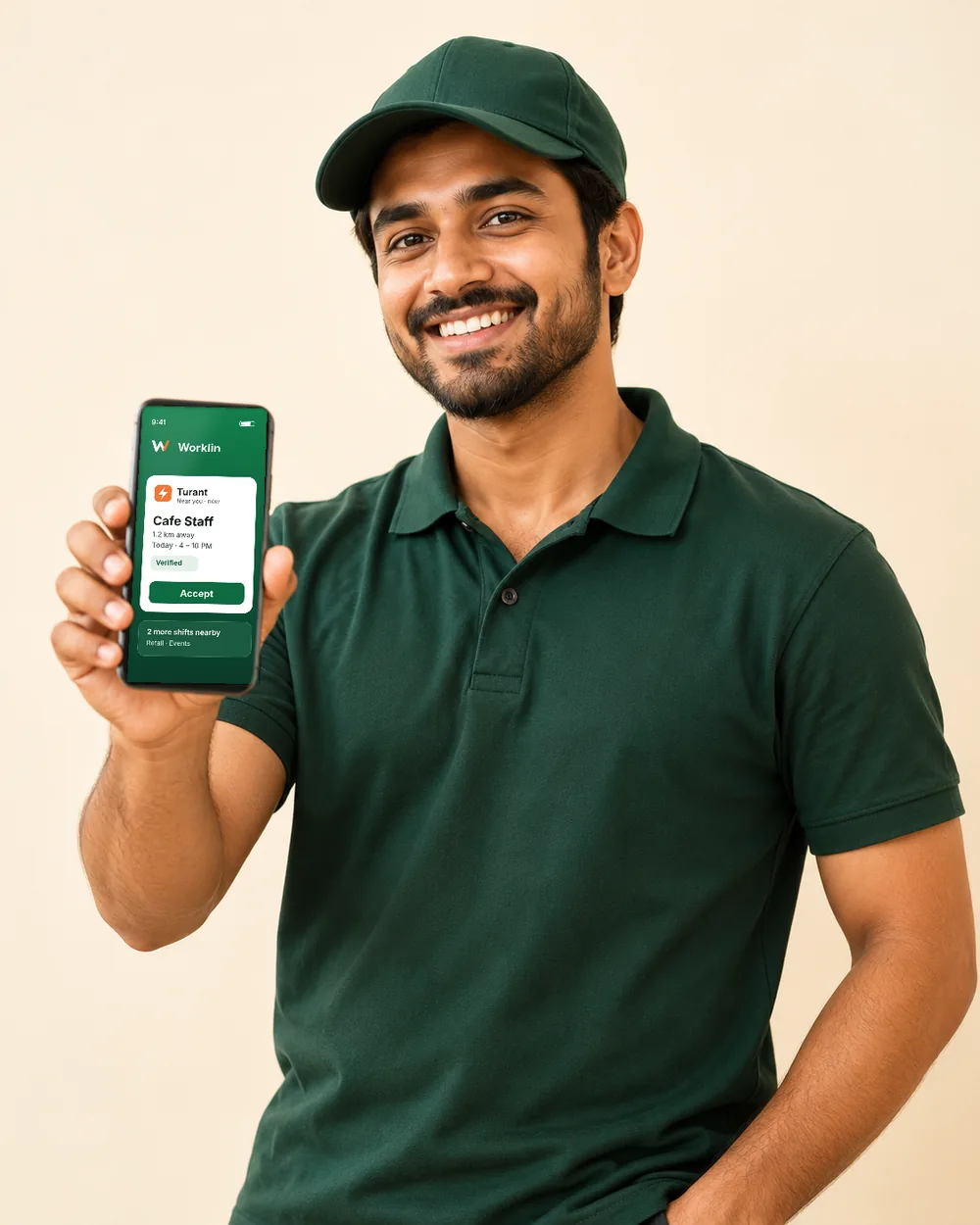
Pick the work you enjoy.
These are the roles businesses hire for on Worklin today. Open the app to see live shifts near you.
- Dishwasher
- Kitchen helper
- Service staff
- Cleaner
- Loader
- Helper
Why workers choose Worklin
See the pay before you say yes
Every shift shows the role, timing, location and pay upfront.
Work close to home
Find shifts in your neighbourhood and save on travel.
Build your rating
Good work earns good ratings, and good ratings bring more shifts.
Help when you need it
Write to support@theworklin.in if something goes wrong and our team will get back to you.
Turant: work that finds you.
Three taps from free time to a confirmed shift.
 Worklin
Questions from workers
How do I sign up as a worker?
Open Worklin, enter your mobile number and the OTP sent to it, then choose that you want work. Add your name, skills and area to finish your profile.
What is the ID check (verification)?
In the app you upload one clear photo of a government ID. The Worklin team checks it and you get a notification. Verified workers show a Verified badge to businesses.
How is the pay shown?
Each shift shows its pay, role, timing and location before you apply. The business decides the pay when posting the shift, so check each one.
How do I get Turant alerts?
Turn on Free now in the app when you are free to start right away. Then Turant shifts near you show up and you get alerts. Turn it off when you are busy.
Can I cancel a shift I was booked for?
Yes. Open the shift and tap Cancel this shift. You can cancel before you check in. The business is told and the spot opens for someone else, so cancel as early as you can.
Your next shift is one tap away.
Get the Worklin app, create your profile and start looking for shifts. Or start right now in your browser.